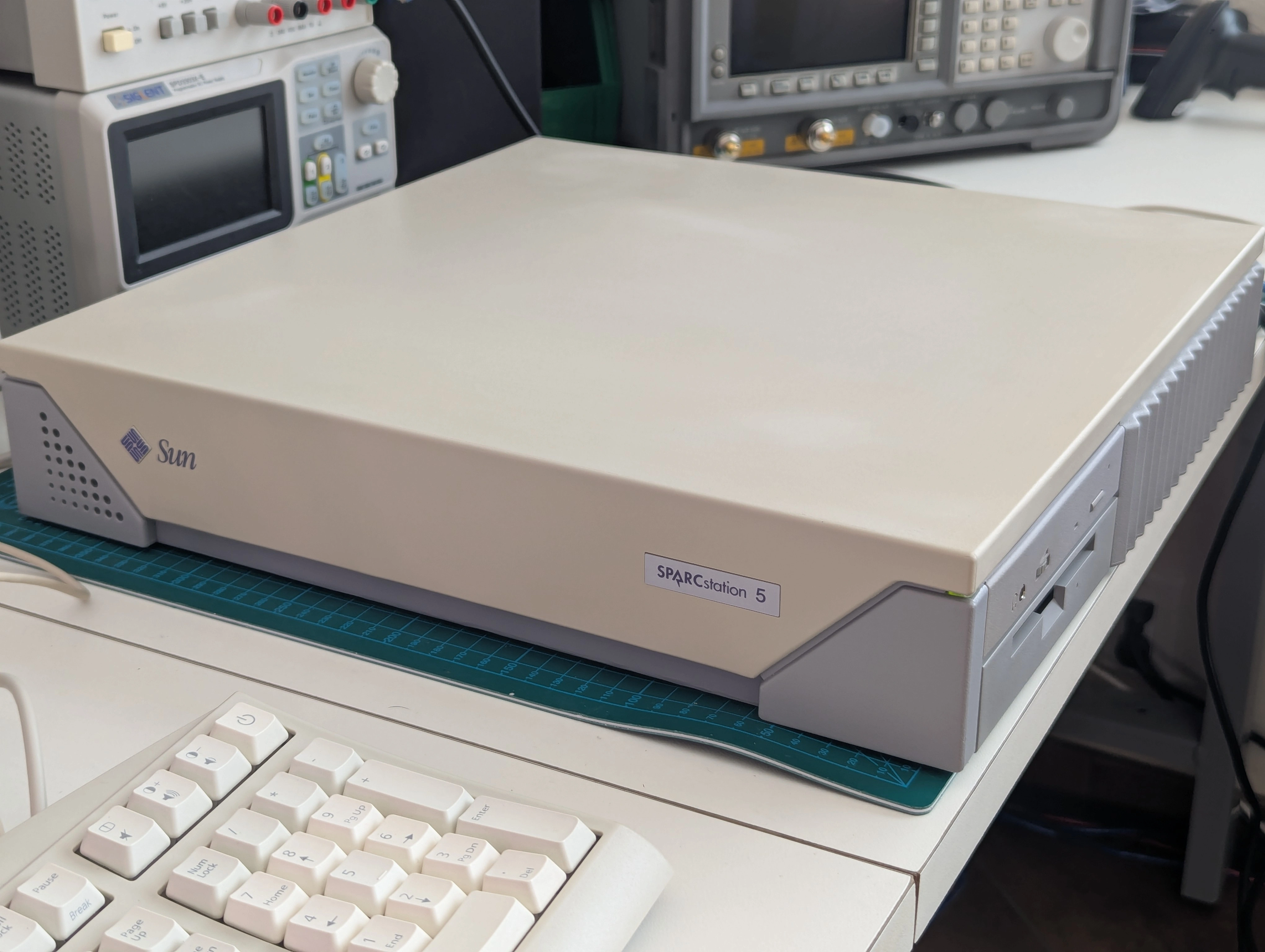
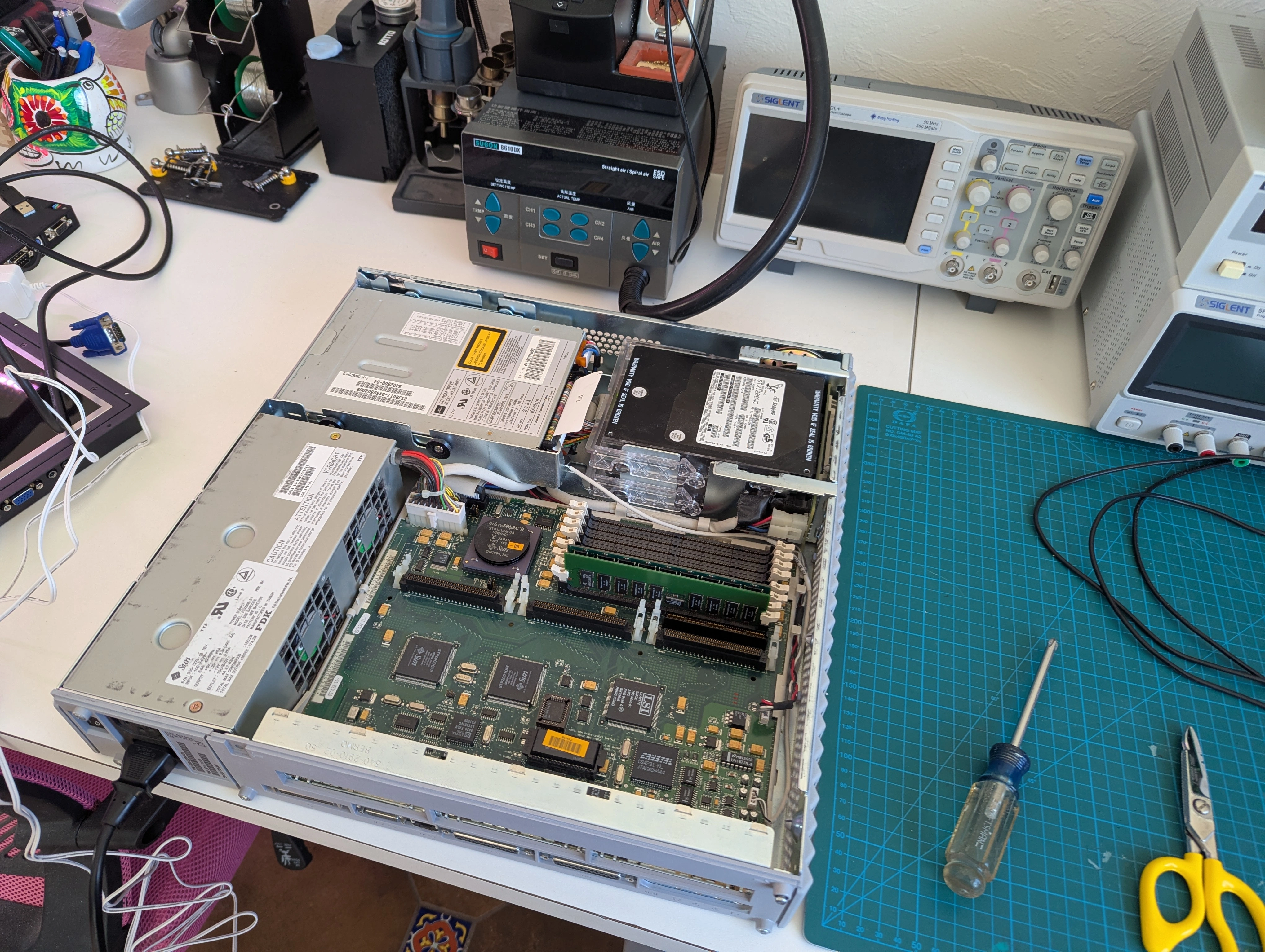
These days old Sparcstations can be found for pennies on the dollar compared to the original list price. Many sellers don't have a DB13W3 adapter or a Sun keyboard and are unable to test them properly. Without a keyboard attached these machines output to the serial console and don't initalize the display. As a result you can frequently find them listed as "parts only" even though there is really broken. The machine pictured above was listed as not working but other than the dead NVRAM battery it only had minor cosmetic issues. After resetting the NVRAM it booted directly to Solaris without any issues.
Virtually every Sun workstation of this vintage is going to have a dead NVRAM battery that will require repair or replacement. As expected this machine booted to an error stating that "the IDPROM contents are invalid". I soldered a battery into the existing module but I didn't like how far it sticks up since it blocks the SBus slot in the center of the board. A STMicroelectronics M48T08-150PC1 was a drop-in replacement. Unfortunately this battery will eventually fail as well, over the long term the CR2032 modification is probably the better option if done in a way that doesn't affect the SBus slot. Whenever this module fails I'll give it another go with the battery mod.
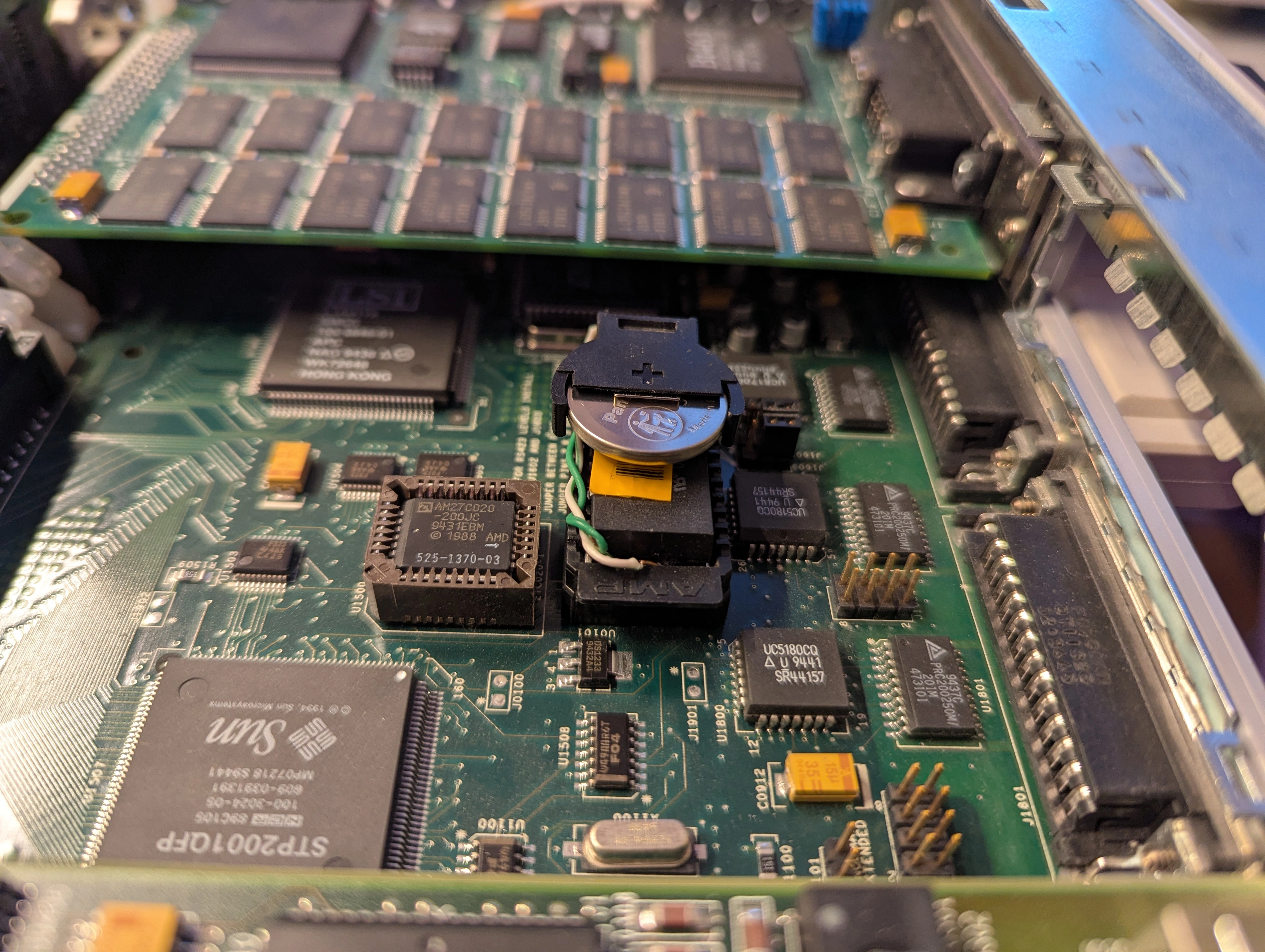
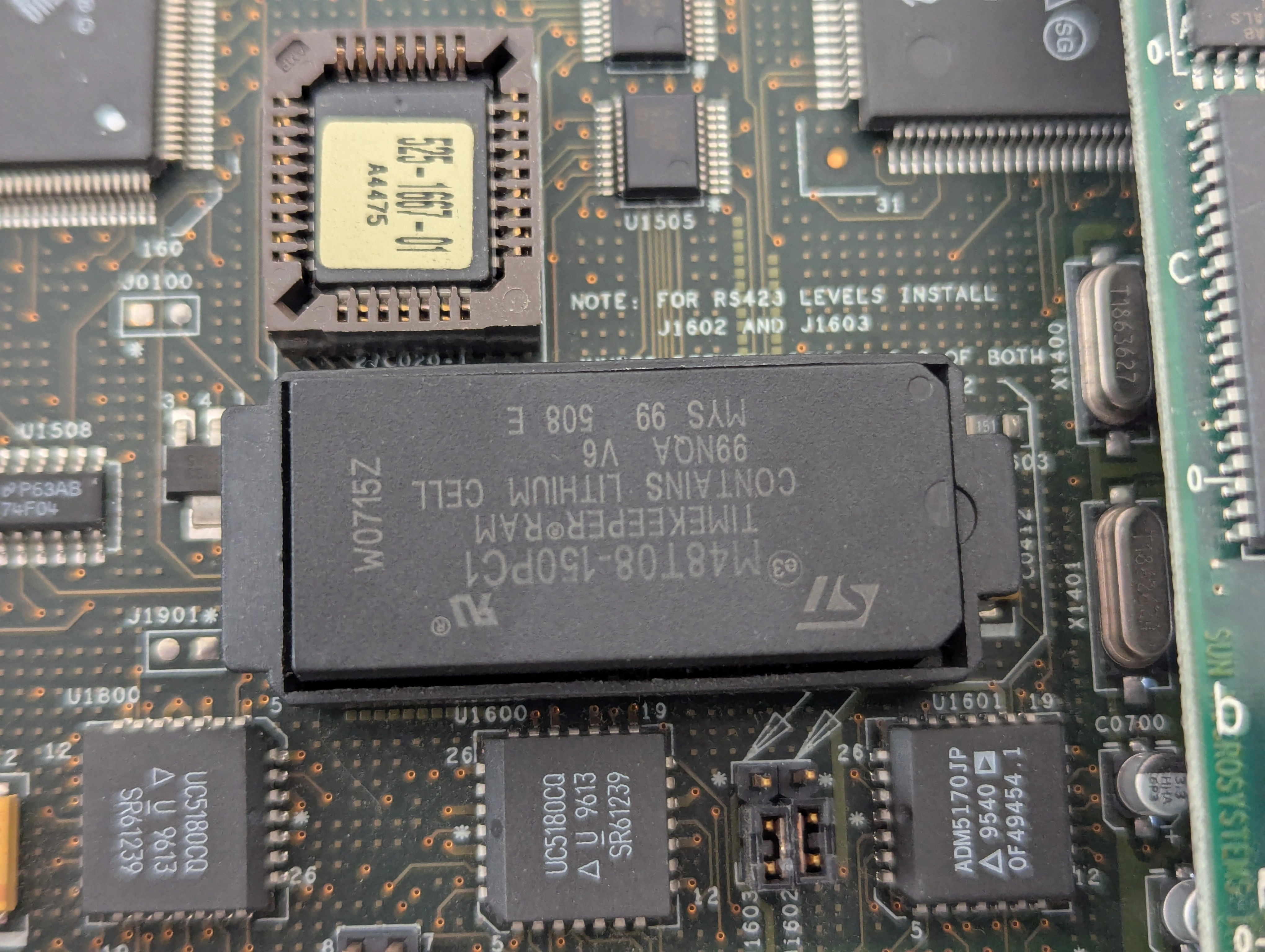
The commands to restore the NVRAM contents once the battery has been replaced are rather arcane but reasonably well documented. For my machine I needed to input the following commands:
set-defaults
setenv diag-switch? false
1 0 mkp
80 1 mkp
8 2 mkp
0 3 mkp
20 4 mkp
4f 5 mkp
92 6 mkp
ea 7 mkp
0 8 mkp
0 9 mkp
0 a mkp
0 b mkp
4f c mkp
92 d mkp
ea e mkp
0 f 0 do i idprom@ xor loop f mkp
reset
I ended up using a script to generate the MAC id based on the NVRAM barcode sticker. This isn't strictly necessary but now I know the MAC is definitely unique for this machine. As a hobbyist I don't care about getting it exactly correct, I just need it to boot and don't have any licenses tied to a specific serial number.
My machine came with two fully operational (!) SCSI hard drives which were replaced with a ZuluSCSI device, both because the drives are super loud and for convenience. I created a blank 10 GB drive with dd and copied the Debian Etch installer to the SD card as CD2.iso
ok probe-scsi-all
/iommu@0,10000000/sbus@0,10001000/dma@1,81000/esp@1,80000

/iommu@0,10000000/sbus@0,10001000/espdma@5,8400000/esp@5,8800000
Target 0
  Unit 0   Disk     ZULUSCSIHARDDRIVE       2.0
Target 2
  Unit 0   Removable Read Only device     ZULUSCSICDROM           2.0
Target 6
  Unit 0   Removable Read Only device     TOSHIBA XM-4101TASUNSLCD108404/18/94
The machine was completely torn down and dusted with a brush and vacuum. The exterior case was cleaned with degreaser and a Scotch-Brite pad to remove scuffs and years of dirt that had built up. The power supply was partially disassembled, dusted and put in a box with an ozone machine to completely deoderize it. I'm not sure if it was just old computer smell or what but this machine was unpleasant to be around while powered on until completely cleaned.


Sun hardware is pretty solid but their case design is definitely a weak point. Nearly every Sparcstation I've seen is chipped in the corners like this. The plastic tabs that hold the front of the top cover on will also break if you even look at them wrong. I don't presently own a 3d printer but at some point I want to try printing replacement tabs that can be glued in place. I've experimented with a couple of different techniques to repair the covers (UV resin, cyanoacrylate glue and baking soda) but haven't found anything I'm happy with yet.
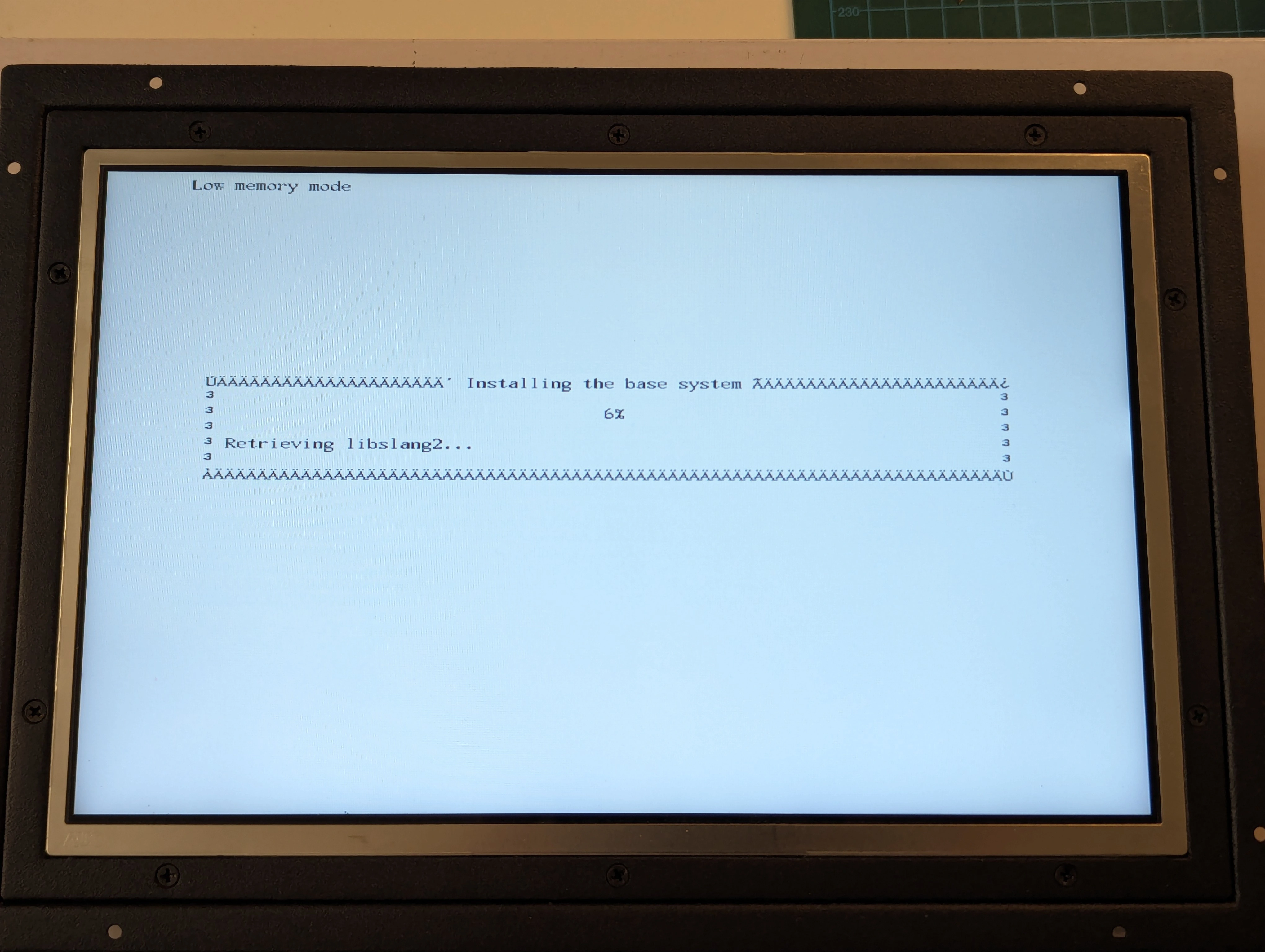
I started with Debian Etch since that was the last Debian release that still had support for 32-bit SPARC systems. The installer booted to a corrupted monochrome console due to the display adapter installed, a VITec RasterFLEX-32, originally sold for $3,995. This was a very high end raster accelerator with support for 24-bit color. Not much information is available on this card anymore but it doesn't look like Linux natively supports it and defaults to a monochrome console driver. Sadly even Solaris drivers for this hardware seem to be lost to the depths of time and are no longer available.

Replacing the card with one that uses the cgsix driver resolved the display issue and gave a full color console as expected.
Working sources.list for apt, note that some signing keys are expired:
deb http://archive.debian.org/debian/ etch main non-free contrib
deb http://archive.debian.org/debian-security/ etch/updates main non-free contrib
deb http://archive.debian.org/debian-volatile/ etch/volatile main non-free contrib
Import the only valid signing key:
curl https://archive.debian.org/debian/dists/etch/Release.gpg | gpg --dearmor | sudo apt-key add -

Solaris disk images are available for many Sparcstation systems, no need to use the installer unless you realy want to.
Dual head setup was super straightforward for an old UNIX:
So what do we use a $8000 UNIX workstation from the mid 90s for at this point? Play Doom of course, what else?
